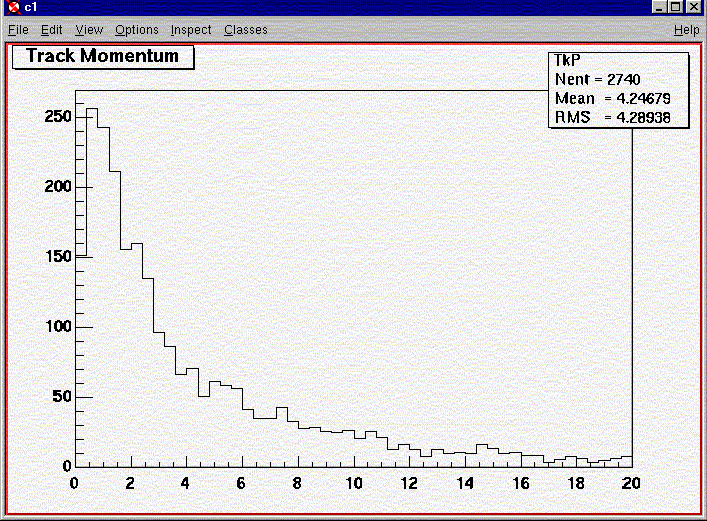

This example will lead you through reading a 500 GeV ZZ generator and process it via the fastMC. This will output an ascii file (soon we will have shared libraries so you can run the fastMC directly in Root) which you convert to a Root file and then analyze.
The fastMC currently does not run on Windows. We believe this is due to a conflict between Root and the StdHep package.
obtain the parameters file for the Small or Large detector
run the fastMC standalone
fastMC pybms-ZZ-500-990115-gen-1.dat parameters-file output-file.dat
convert the ascii output-file to Root
asc2root output-file.dat output-file.root
reference your output-file.root as input (via TFile)
draw up a histogram: ClsMult->Draw();
| R.Dubois Last Modified: 01/13/04 12:49 | Return to |