The Java Analysis Studio Environment
Java Analysis Studio allows you to customize the application environment in two ways.
- You can select between two window styles, illustrated below. On top is the 'Tabbed
Panes' style; below it is the 'Internal Frames' widow style. The 'Internal Frames'
window style is ideal for viewing multiple pages because it supports cascading and tiling
of windows.


To switch between styles, select 'Window Style' from the 'View' menu.
- You may also switch between Java's built-in pluggable look and feel modes. Shown
below are, in order, the Windows, Motif, and Metal (Java's own) look and feel modes.

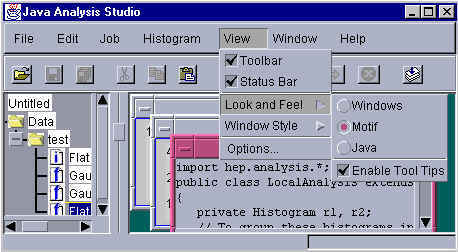
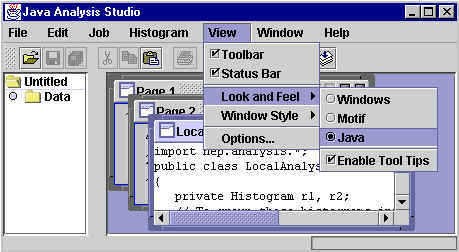
As the above images depict, you can select the look and feel from the 'View' menu.
Return to tutorial.
Page maintained by Jonas Gifford.
Last updated 01/14/04.